
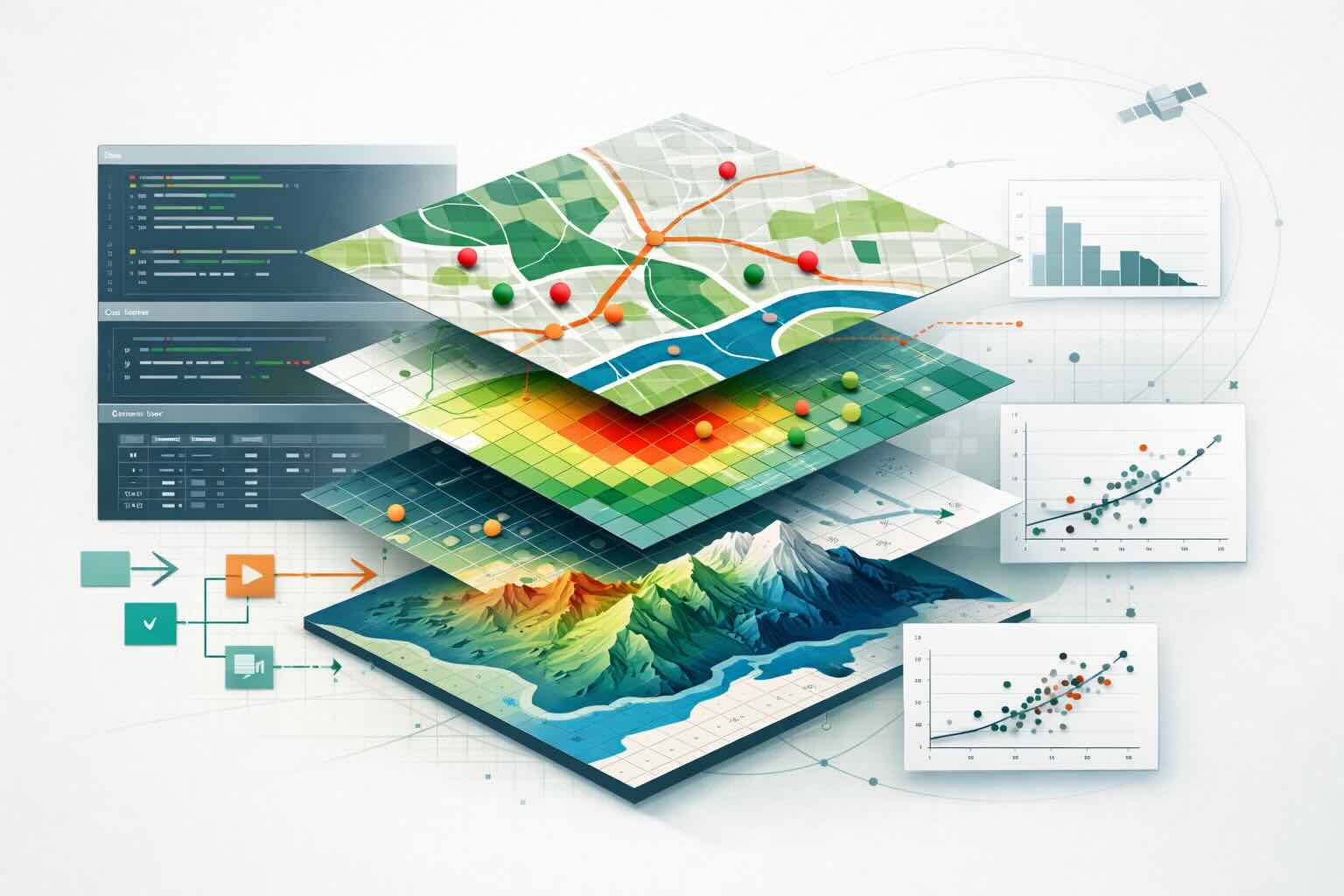
About R in Space
R in Space is a practical workshop on spatial workflows in R. It is built around short instructional segments followed by applied exercises, with an emphasis on operations people reuse in real projects: importing data, checking geometry and coordinate reference systems, transforming layers, combining spatial objects, extracting values, summarizing results, and producing maps.
It is meant as an operational introduction, not a full course in GIS theory, geodesy, cartography, remote sensing, or the full ecosystem of spatial methods and packages. This delivery is organized over two half-day sessions.
This ECCC Session
This page supports a specific delivery of R in Space for an ECCC environmental team. The workshop itself can be delivered in other contexts; this session uses datasets, examples, and workflow choices that are closer to the kinds of environmental analysis and monitoring work participants may encounter in practice.
This page is the participant hub for the session. Use it to orient yourself in the workshop and access the shared material.
Format And Audience
This workshop is for R users who are comfortable with basic scripting and want to work with spatial data more confidently. Mixed levels are expected: some participants will be new to spatial analysis, while others will already have some experience.
The format alternates short teaching segments with hands-on exercises. Participants are not expected to complete everything. The material is organized so each person can follow a coherent route through the workshop and leave with reusable workflows.
What You Will Do
Across the workshop, participants will work through the main tasks behind a practical spatial workflow in R:
- import spatial data and create spatial objects
- inspect geometry and CRS
- build quick maps and, in the advanced route, rebuild lines from ordered points
- subset, measure, join, intersect, and buffer vector data
- import, inspect, crop, mask, project, resample, and compare rasters
- extract raster values to points, lines, or polygons
- build simple summaries and analysis-ready tables
- prepare data for a simple General Linear Model (GLM)
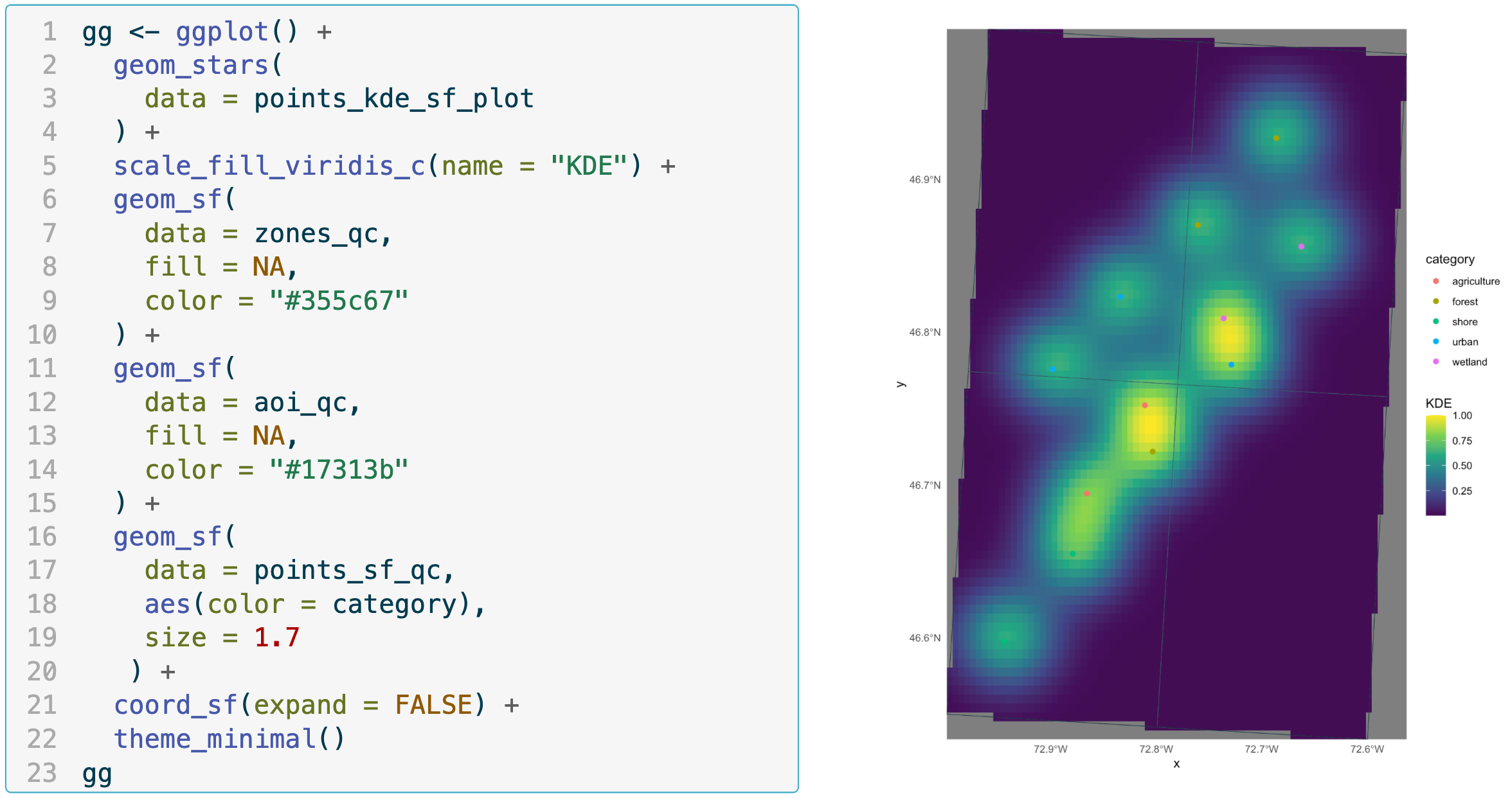
- explore data using Kernel Density Estimation (KDE)
- advancedm, publication-ready mapping
Prerequisites
Participants should be comfortable with basic scripting in R and with common tabular objects such as data frames.
Prior GIS expertise is not required.
Familiarity with packages, file paths, and basic data manipulation will make the workshop smoother, but the spatial material itself is introduced in a practical, guided way.
Setup
A working R environment is required. To be operational during the workshop, participants should have the following packages installed:
| |
Exercise Routes & Tools
For this session, participants can follow two exercise routes built around study contexts chosen to be closer to the kinds of data and workflows encountered in ECCC work:
- Points route: the simpler default path
- bird observation records in Quebec
- point locations
- ecodistrict and RCO polygons
- temperature rasters
- Lines route: the more advanced path
- telemetry locations and reconstructed tracks
- habitat polygons
- bathymetry rasters
Participants can also choose the package ecosystem they want to work with:
sf/starsterra
Following one route is enough to complete the workshop efficiently. More advanced participants may choose to explore both.
Resources


Want to plan a similar event for your team or organization?
Tell us what you need and we'll help you design it.